




CliplineEverything you copied. One shortcut away.
Press ⇧⌘C, type a few letters, press Return. Clipline remembers what you copy, finds it as you type and pastes it where you are. It keeps the history on disk, not in memory, so it stays light all day.
Find it in a second
Press ⇧⌘C anywhere
The panel opens at your pointer, over any app. Your hands stay on the keyboard.
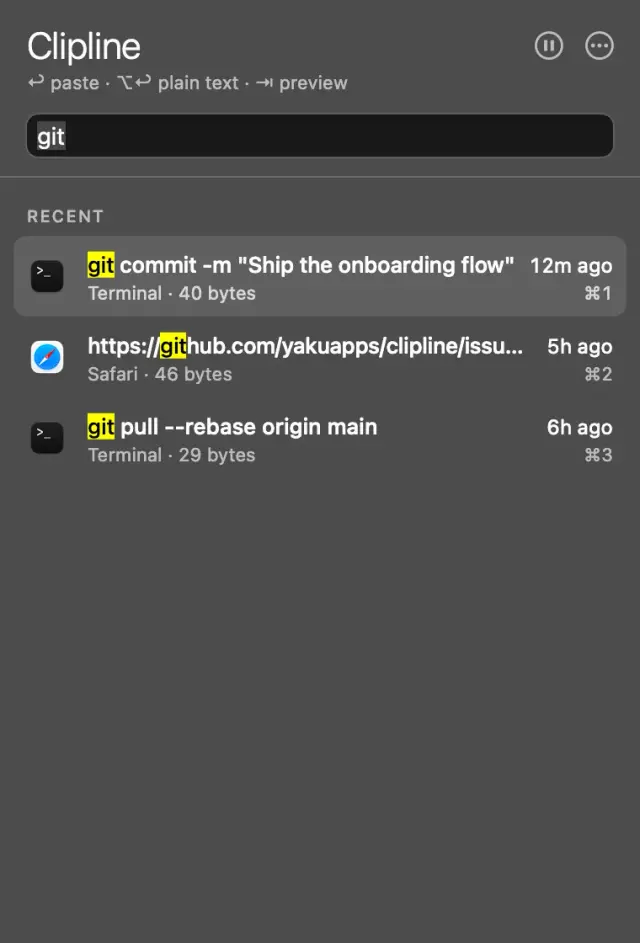
Type a few letters
Search covers everything you copied, not just the first line. Matches are highlighted.
Return pastes
Clipline puts the item back and pastes it into the app you were in. ⌥Return pastes plain text.
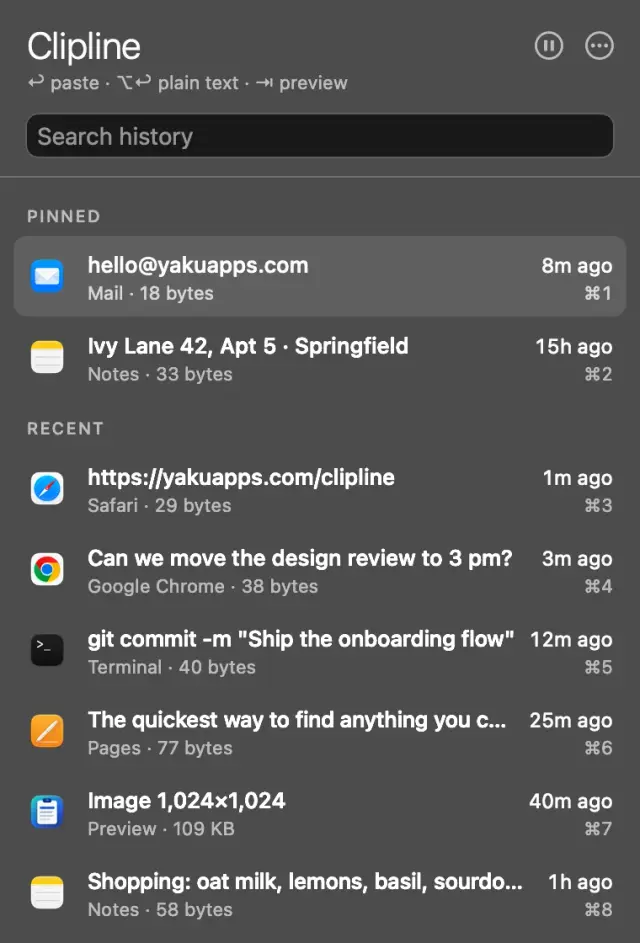
Pin what you reuse
Addresses, emails, snippets: pinned items stay on top and survive Clear History.
Light enough to forget
Clipline keeps your history in a small database on disk and loads only the rows on screen. The panel is built when you open it and released when you close it.
- In the background
- ~30 MB
Small app, the parts you need
- Every format Text, rich text, links, images and files go back exactly as they were copied.
- Passwords skipped Copies that password managers mark as secret are never saved. Add your own apps and patterns, like one-time codes.
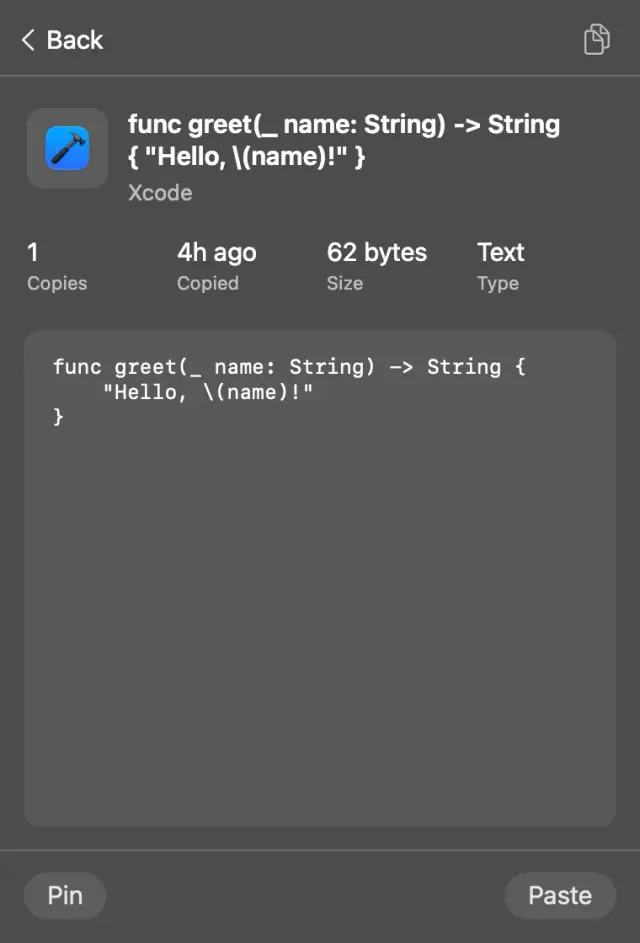
- ⌘1 to ⌘9 The first nine items paste with one shortcut. Right-click or Tab shows the full item.
- Most copied Sort by last copied, first copied, or how often you copy something.
- Your shortcut Keep ⇧⌘C or record your own. Open at the pointer, the screen centre or the menu-bar icon.
- 23 languages English, Українська, Deutsch, Français, Español, 日本語, 中文 and 16 more, right-to-left included.
Private by design
What you copy stays on your Mac. No account, no sync, no analytics. Password managers' copies are skipped, and you can pause saving or exclude apps and patterns any time. Images are previewed from a small thumbnail, never loaded in full.
One price, once
Try everything for 14 days. If you keep it, pay once. Updates are included.
- Free trial · $0
Every feature for 14 days · No account, no card · Signed and notarized by Apple
- Clipline · $9.99
One-time purchase, no subscription · Free updates · Your own Macs · Key by email right after you pay
Questions
How is it different from other clipboard managers?
Most keep the whole history in memory. Clipline keeps it in a small database on disk and loads only the rows you see, so it stays at about 30 MB in the background with hundreds of items, including images.
Does anything I copy leave my Mac?
No. There is no account, no sync and no analytics. The Mac App Store version never goes online. The website version only checks your license key and looks for updates.
Will it save my passwords?
No. Apps such as 1Password, Bitwarden, Keychain Access and Passwords mark their copies as secret, and Clipline always skips them. You can exclude more apps and text patterns in Settings, or pause saving from the menu.
Why does it ask for Accessibility permission?
Only to press ⌘V for you after you pick an item. Turn off Paste Automatically if you prefer to paste yourself; then no permission is needed.
Is it a subscription?
No. $9.99 once, with free updates. The website version is free for 14 days first.
Website or Mac App Store?
Same app, same price. The website version starts with a free trial and updates itself; the App Store version updates through the App Store. Your history carries over if you switch.
What do I need?
macOS 14 Sonoma or later, on Apple silicon or Intel.