Free
Try the complete export workflow before upgrading.
- One completed export
- Platform presets and editing tools
- Local processing
Make Any Video Ready To Share.
Choose a platform preset, confirm the frame, and export locally on your iPhone. Compress, convert, edit, and extract audio when you need more control.

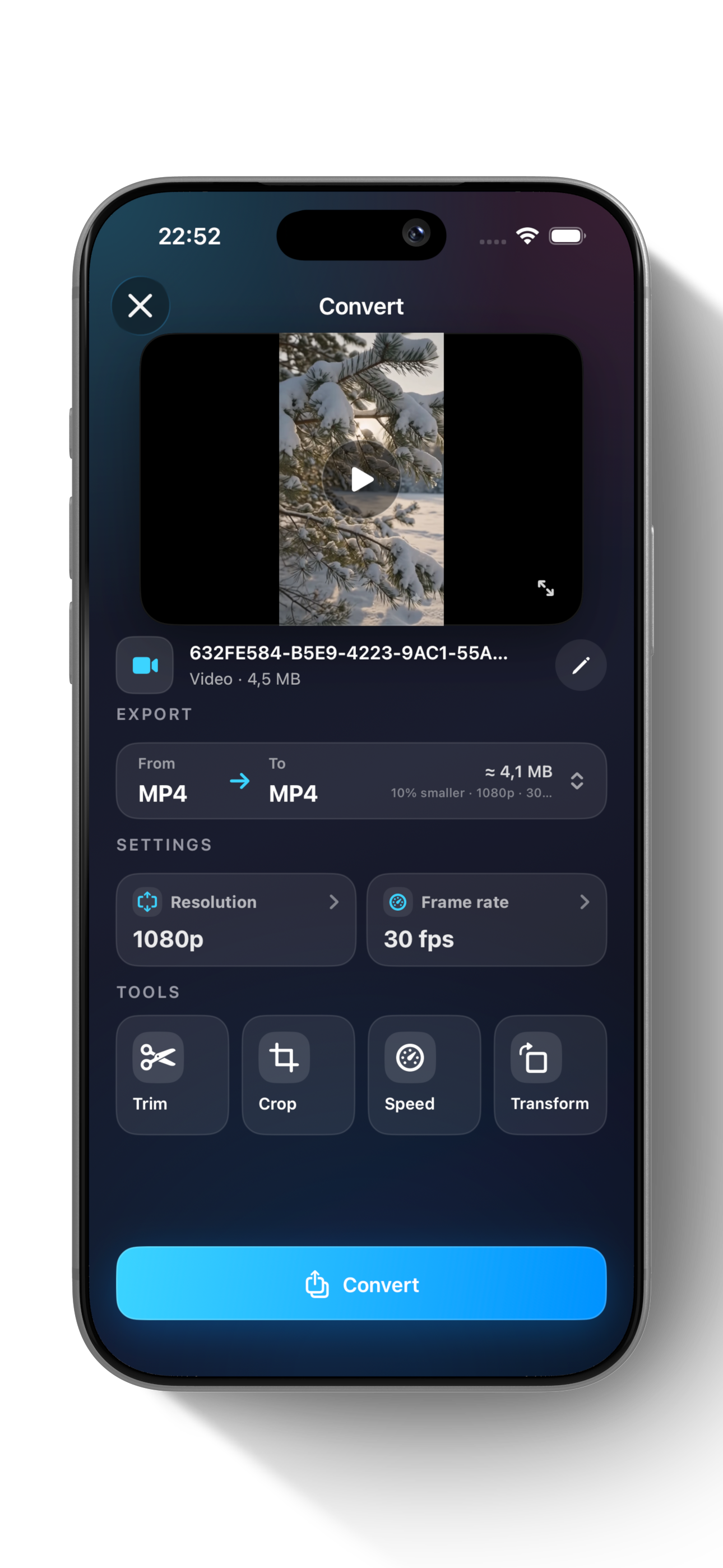
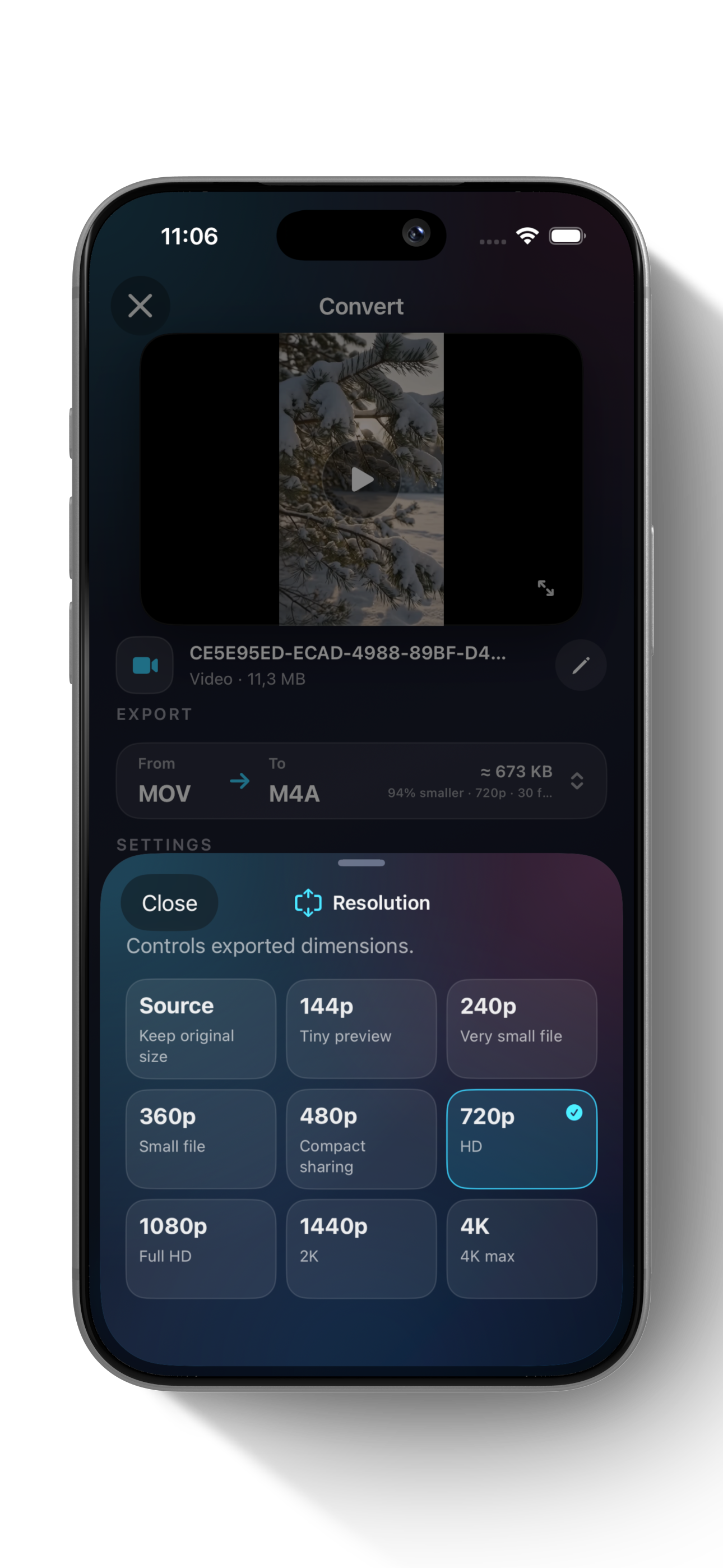
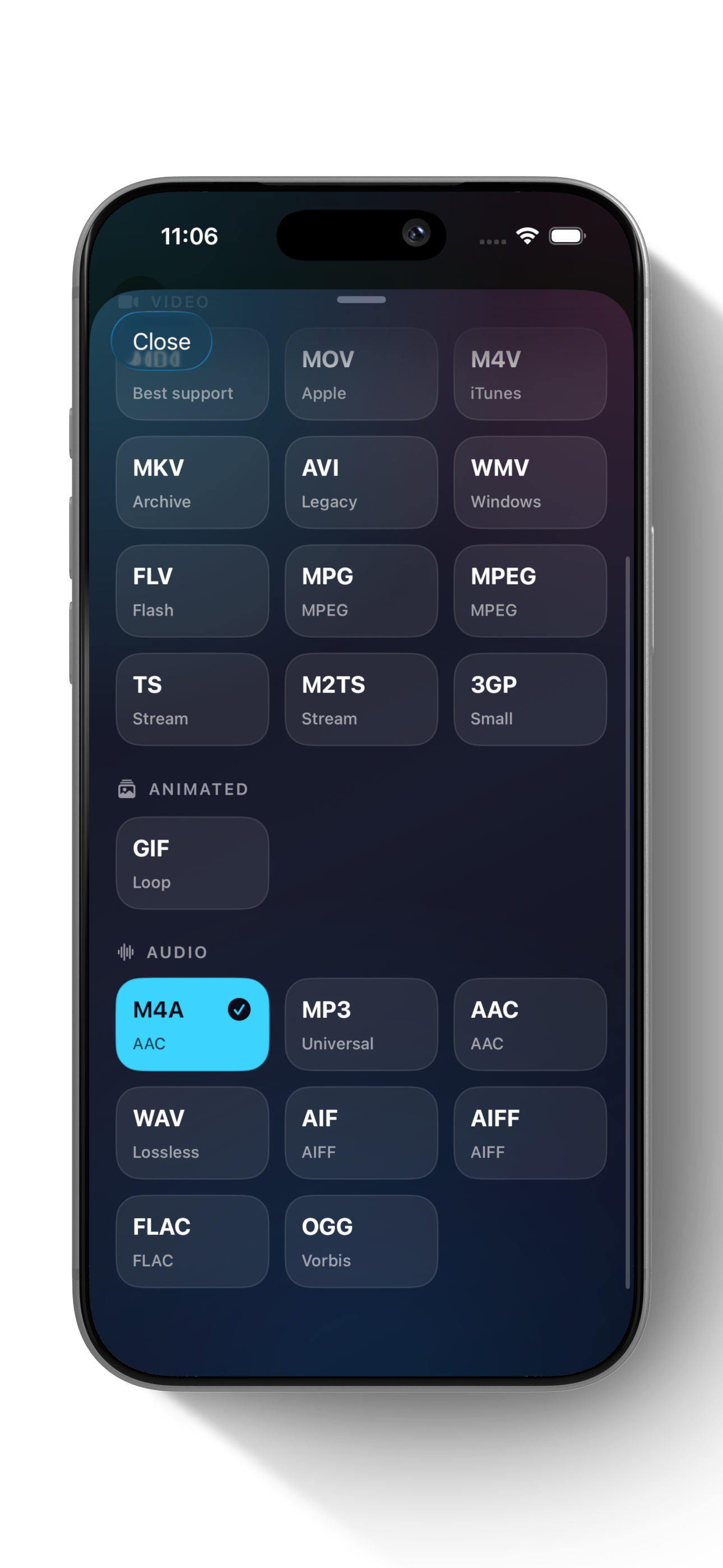
Everything stays focused on your file: import, tune, export, and share.
Pick TikTok, Instagram Reels, YouTube Shorts, or YouTube for a platform-friendly MP4 export.
Reduce file size for storage, email, or messaging with clear output controls.
Choose common video and audio formats including MP4, MOV, GIF, MP3, M4A, WAV, and more.
Cut clips fast with precise start and end controls before saving the final file.
Export to Files or share through iOS without uploading your media to a server.
Vertical presets open Crop first, so you decide exactly what the final 9:16 frame includes.
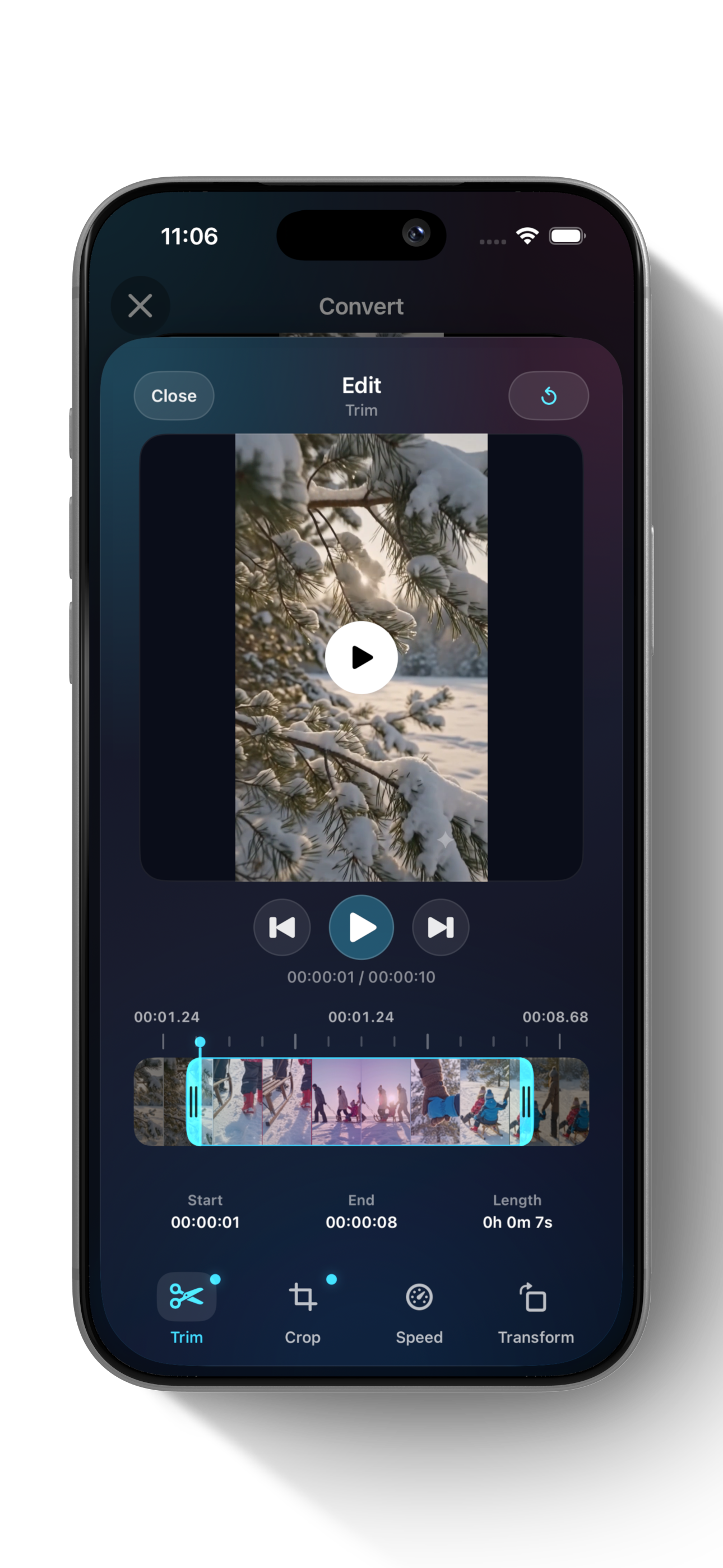
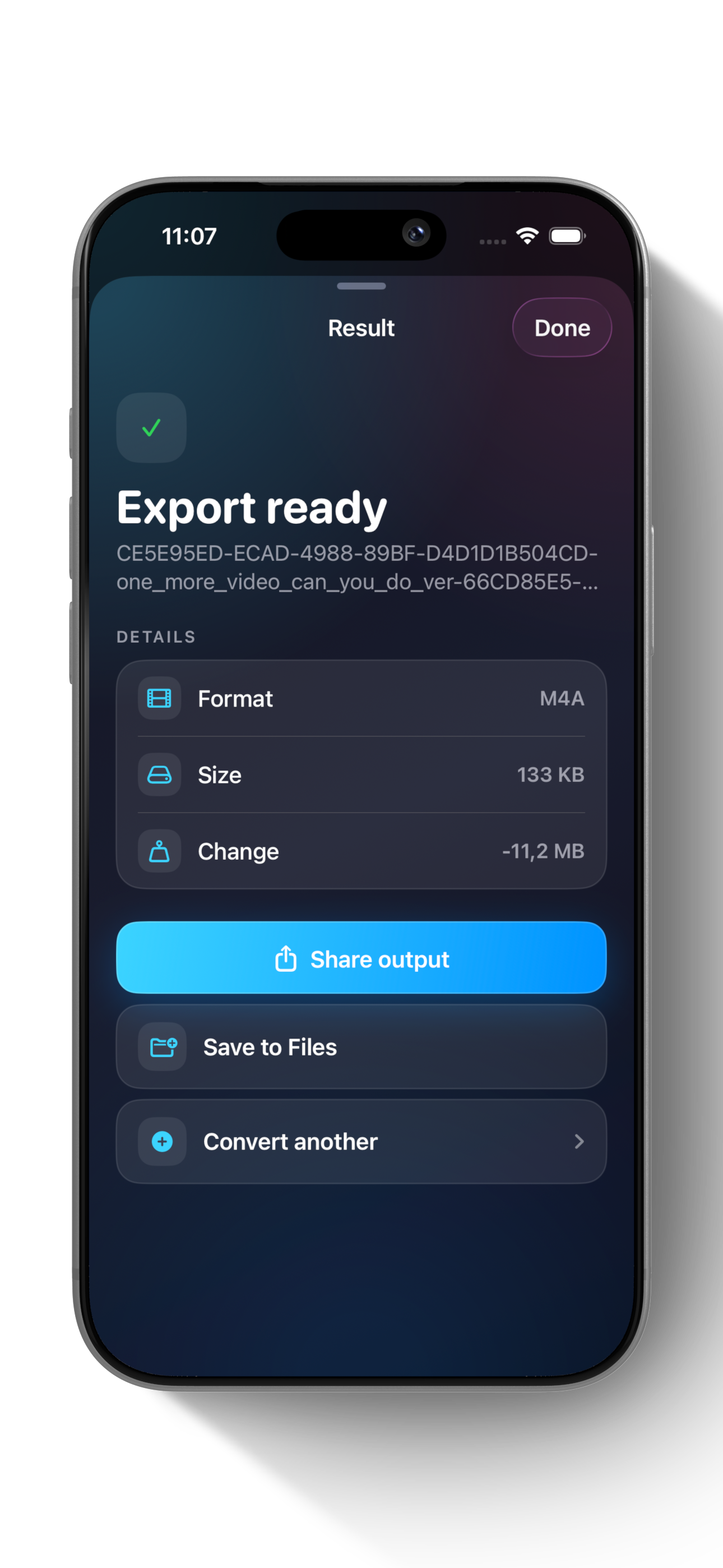
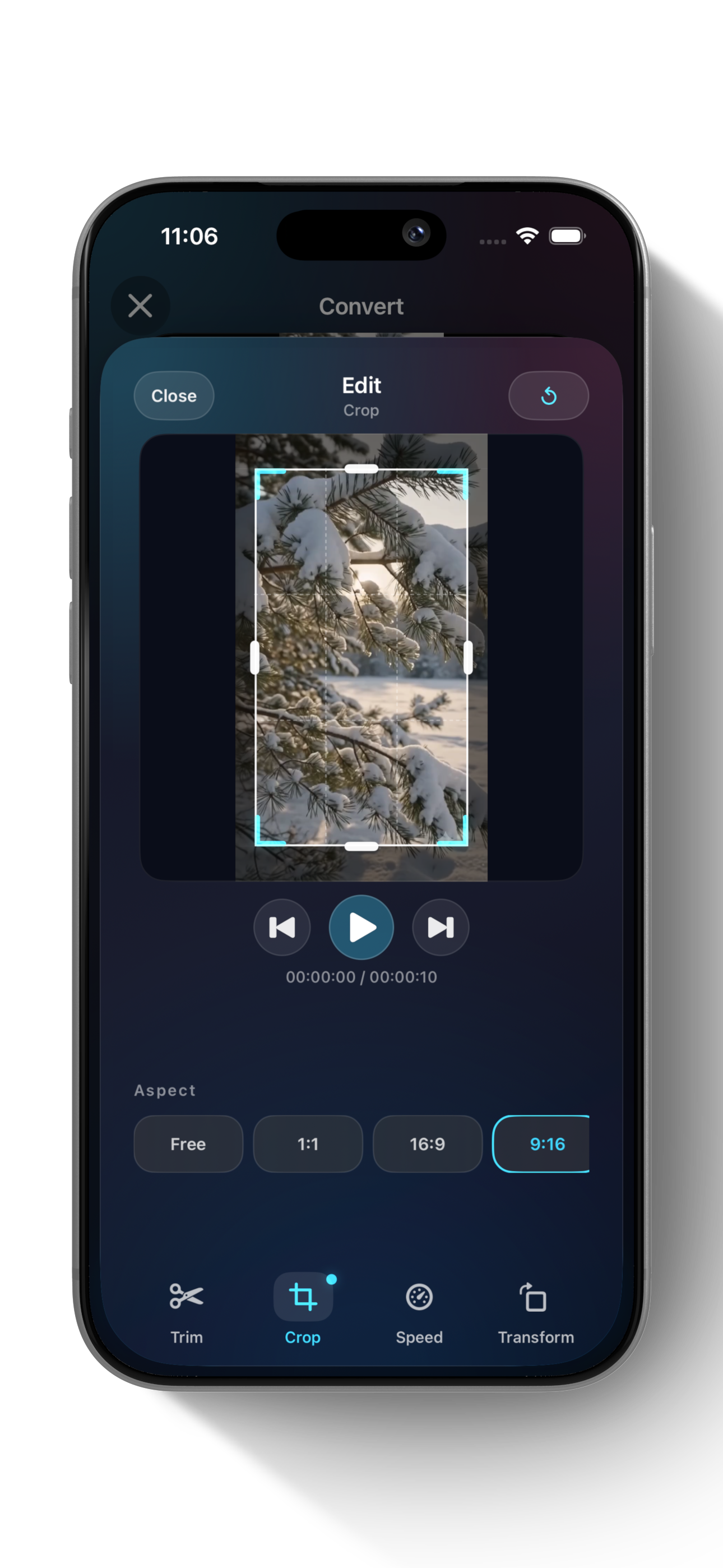
Edit and save projects at no cost. Upgrade only when you need unlimited completed external exports.
Try the complete export workflow before upgrading.
One purchase unlocks ClipKit Pro. No subscription.
Practical answers for the job you are trying to get done—whether or not you use our apps.
Yes. ClipKit processes the file locally on your device, then lets you save it to Files or share it through iOS.
Learn how to choose compression settings →
Yes. ClipKit can extract audio from a local video and export common audio formats including MP3, M4A, WAV, AAC, and FLAC.
Learn how video-to-MP3 conversion works →
Yes. Choose a platform preset for TikTok, Instagram Reels, YouTube Shorts, or YouTube. Vertical presets use MP4 and open Crop so you can confirm the 9:16 frame before export.
Choose the destination, confirm the frame, and finish on your iPhone.