Dozi & Friends · How to do it
How to make a bedtime story collection
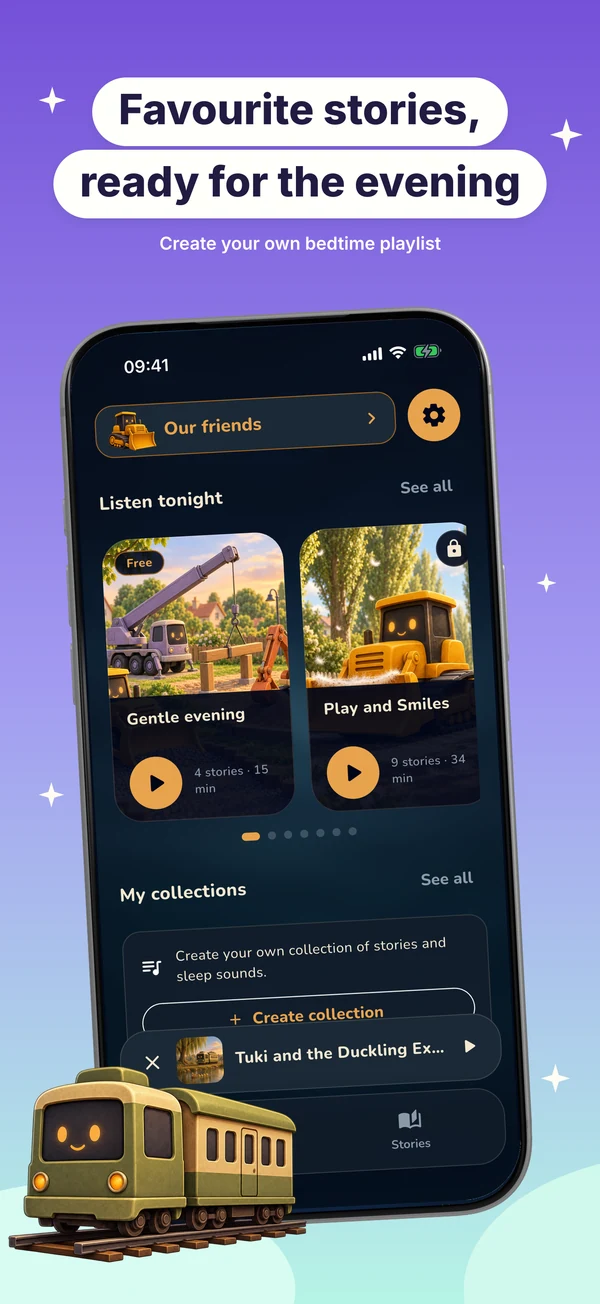
In Dozi, a saved collection lets a parent put stories in an order for a listening session. You can create and edit collections without Premium; playing a collection that includes paid stories still requires access to those stories.
Steps
From a story, choose Add to collection, then New collection. Name the collection, add or remove stories, and drag items to reorder them. Tap Save when at least one item is selected. Open your saved collection from Home to play it.
Good to know
A temporary queue and a saved collection are different. Free-only collections can play without Premium. A collection containing Premium stories may open the subscription screen before playback. Dozi does not send money or guarantee a particular bedtime result.