Dozi & Friends · How to do it
How to set a sleep timer for audio stories
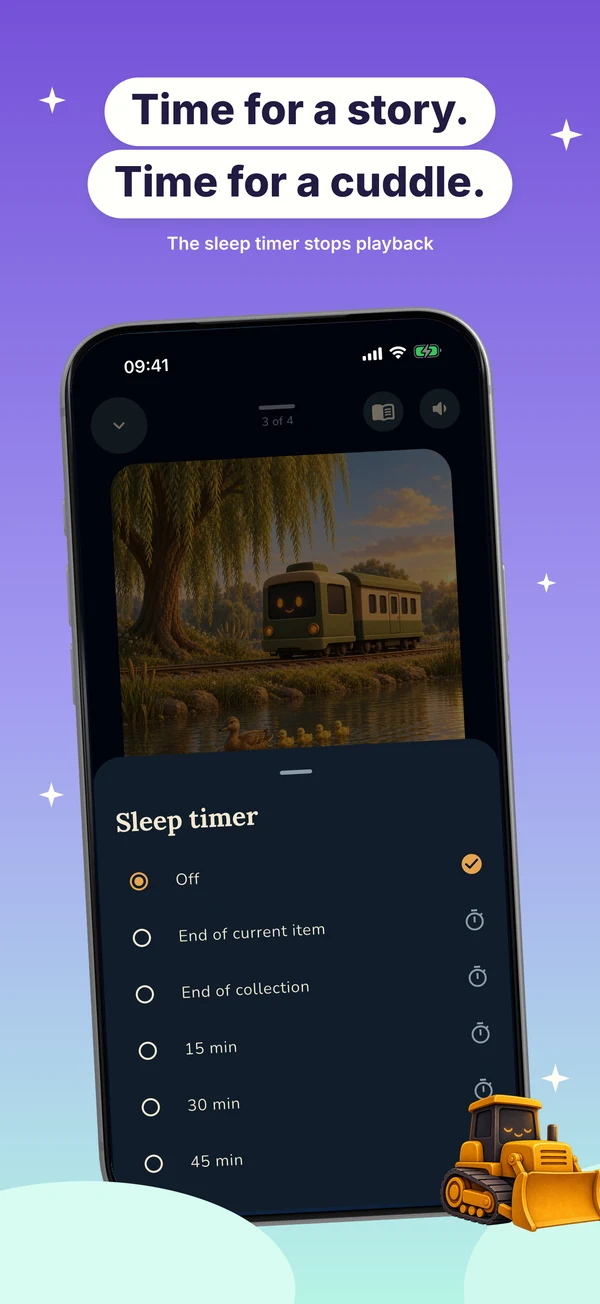
Dozi offers timed playback choices in its player. A minute timer pauses playback after the selected interval; the end options stop at the current story or collection boundary.
Steps
Start a story and open the full player. Tap Sleep timer and choose 15, 30, or 45 minutes, End of current item, or End of collection. The player shows the active choice. Choose Off to clear it.
Good to know
A minute timer pauses when its countdown expires. End of current item and End of collection wait for those playback boundaries. The feature controls audio playback; it cannot ensure that a child falls asleep.