Clipex · English
How to reverse audio on iPhone
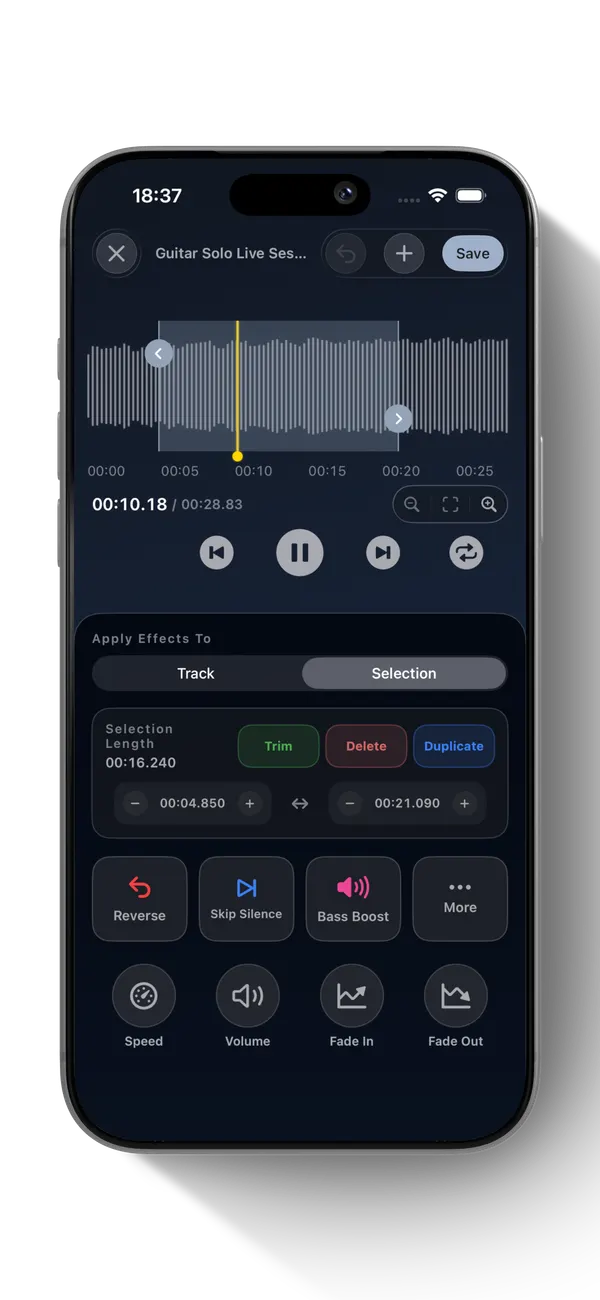
You can reverse a whole track or a chosen range. Keep the source file until you have listened to the edited version.
How to do it in Clipex
- Import a compatible audio file from Files or open an item in your Clipex library.
- In Editor, choose Track for the whole file or Selection for a section, then tap Reverse.
- Preview the result. Choose Save Project — Free to keep a rendered copy in the library, or Export Audio to share it outside Clipex.
What to know
Only compatible, accessible audio can be edited. Protected Apple Music streaming tracks are not importable. Export availability depends on iOS destinations; listen to the result before deleting the source.