Clipex · English
How to trim an audio file on iPhone
Voice Memos can already trim its own recordings. Clipex is another option for compatible audio files and for a workflow that also includes reverse, speed and other edits.
How to do it in Clipex
- Open a compatible audio file in Clipex from Files or the app library.
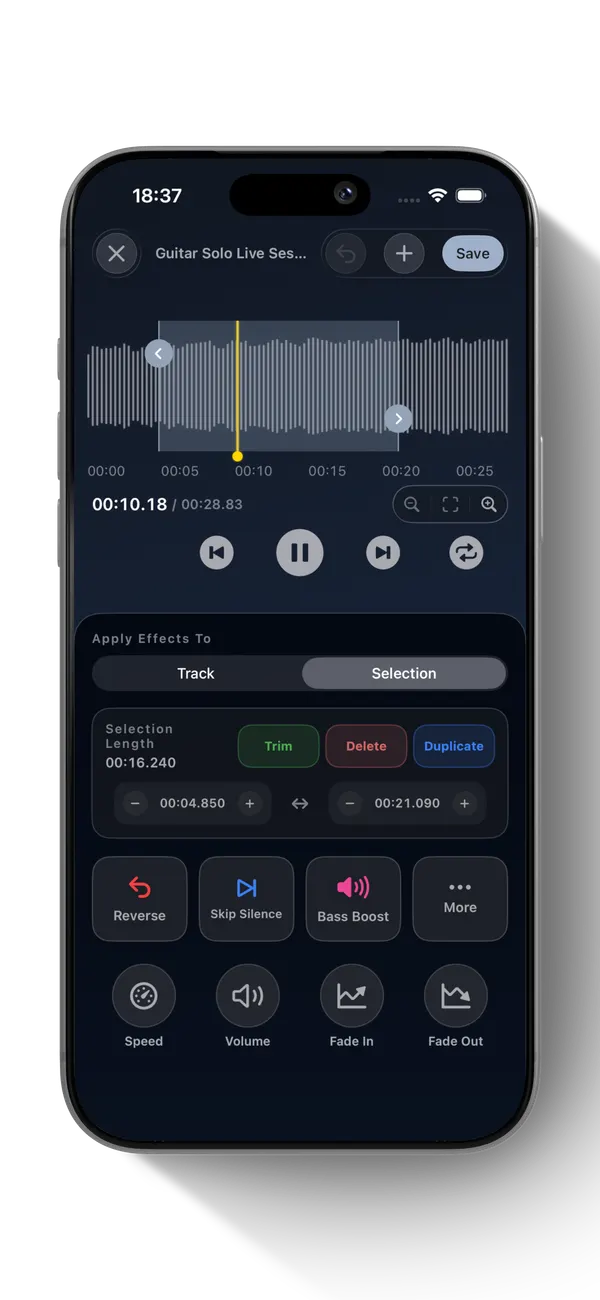
- In Editor, switch to Selection and adjust the start and end times. Tap Trim to keep that range; Delete removes the range instead.
- Preview the shortened audio. Choose Save Project — Free for a library copy, or Export Audio to share it through iOS.
What to know
Apple Voice Memos also trims recordings and can zoom its waveform. File access and supported decoding depend on iOS and the selected Files provider. Keep the original until you verify the result.